
Contrary to popular belief, there are a lot of great uses of local AI implementations such as local AI image generation and editing, LLMs, AI audio stem extraction and voice cloning, and so on. Let me quickly show you what you can easily do on your system privately and completely for free.
Hardware Requirements for Local AI
The requirements when it comes to your hardware will depend on your chosen workflows that you want to engage in.
In general, the piece of your setup that will matter the most for most local AI applications will be your graphics card.
As for the best results when it comes to inference speed you want to load your models fully into your GPU memory (VRAM), and simultaneously you want your card to perform calculations fast, it quickly becomes apparent that for local AI the best GPUs are those that are both reasonably recent, and have as much VRAM as you need for the models you want to run.
Of course, there are also software compatibility issues that make CUDA-native NVIDIA GPUs easier to set up and use with most inference software, with AMD and Intel GPUs sometimes needing a little more tinkering to get things going. For now though, for the sake of simplicity, we will put these issues aside.
While you can do model inference in your main system RAM, with larger and more complex models this will in most cases where you’re not dealing with unified memory setups yield results that are pretty unsatisfying in terms of speed. This is visible especially well when dealing with local large language models.
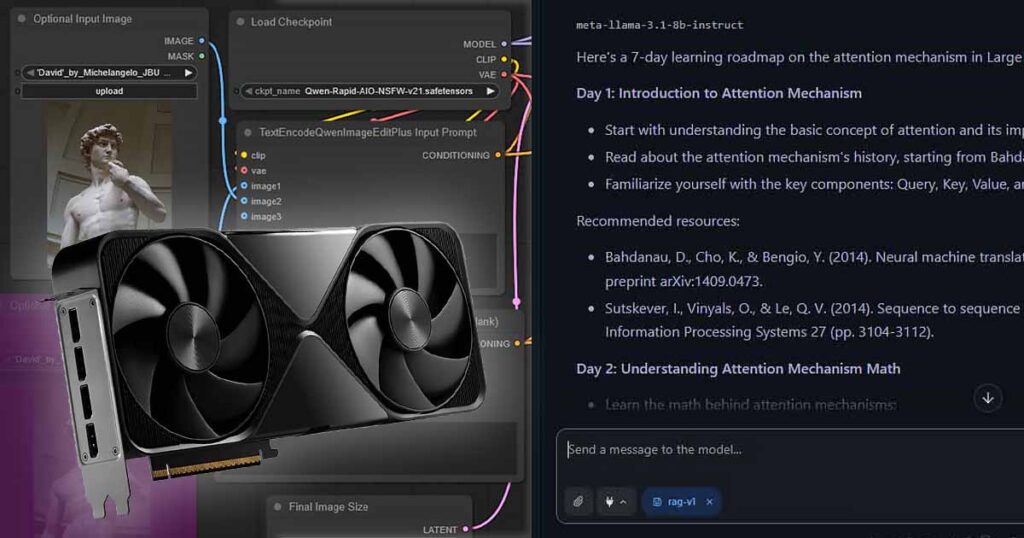
Long story short, a very rough rule of thumb is: if you own a fairly recent GPU with 24GB VRAM or more, you will be able to easily do nearly all the things described below. If that GPU is from NVIDIA, you are less likely to come across software that you’ll have trouble using.
If you own a GPU with 16GB of VRAM, that’s still more than enough for most things aside from running larger, higher quality LLMs on your system.
With 8GB of VRAM or less, you’re in the grey zone. While many local workflows like SDXL image generation, voice cloning and running smaller LLMs on your system won’t be a problem, there are many fronts on which you will be held back by your hardware.
If you don’t have a GPU at all, and instead rely on integrated graphics and main system memory (RAM), there are also many things you are able to do with local AI, albeit without sugarcoating it, in most cases much much slower.
Local LLM Inference
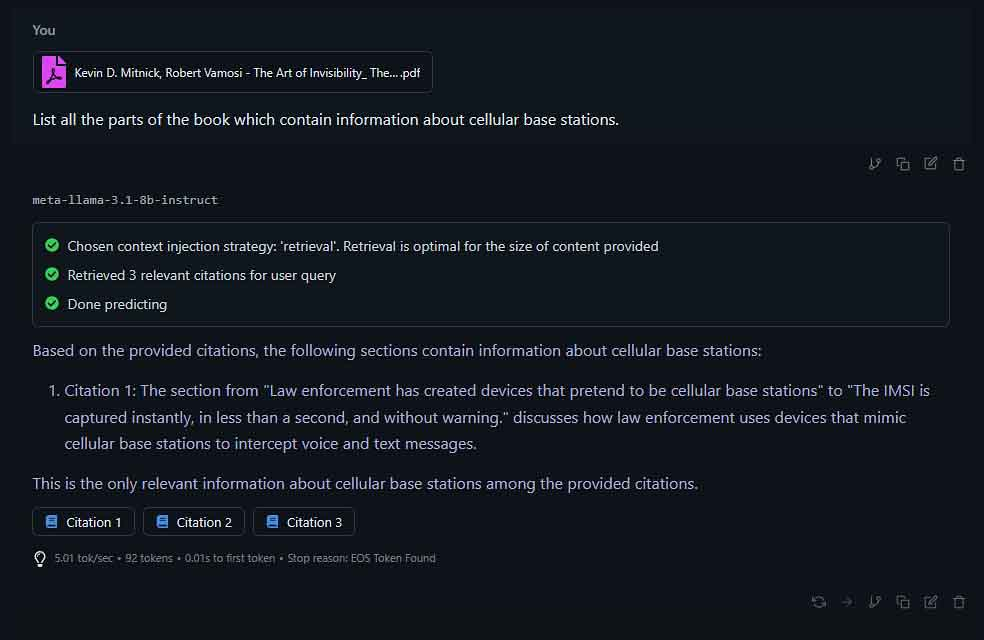
The first and most commonly discussed use of local AI, and at the same time in many cases the most computationally expensive, is hosting local large language models on your system.
Although smaller LLMs that are able to run on consumer hardware do not really come close to larger “SOTA” models like the ones from OpenAI or Google, they are still very much useful for plenty of different tasks.
With the use of quality moderate size quantized 7B-24B models you can, to list a few examples:
- Summarize and rewrite longer text fragments.
- Do sentiment analysis on text datasets.
- Perform classification tasks, for instance for marking certain data as SPAM, or sorting notes by their main topic.
- Use your local LLM as a ChatGPT-like assistant for sourcing basic facts and doing logical reasoning on your input data.
- Utilize local RAG for semantic document search.
- Summarize long log files for easier understanding.
- Browse the web with local-model browser tools or agents.
- Do simple image description with multimodal models like LLaVA.
- Or even incorporate your local models into your story writing routines, or use them as roleplay companions, with the use of software such as SillyTavern or Text Generation WebUI.
And the best thing about all this is that not only is it completely free to try if you have the appropriate hardware, as a large amount of smaller models and inference software is open-source, but that with the right configuration it can also be completely private, meaning that your prompts and documents do not have to leave your PC.
In addition to that, as tech evolves and more discoveries are made in the field of transformer-based models, the LLMs you can run on your system become more and more reliable and impressive by the month.
Memory footprint, context handling, context length, long-term memory, and RAG implementations are just a few of the areas in which research is highly active, directly improving open-source local LLM solutions.
If that piqued your interest, you can try doing all this in just a few minutes. Head over to the LM Studio website, download and install the free software, then open the Discover tab and pick one of the curated model options to try out. It really is that easy.
If you’d like to try other worthwhile software and you’re not afraid of dealing with CLI, Ollama is another great place to begin.
Local Diffusion Models
Image Generation
Another great option you have, and one that doesn’t require very expensive hardware to get into is local image generation using diffusion models like Stable Diffusion XL (SDXL), and all of its freely available community fine-tunes.
Generating realistic, anime-style or cartoon-style images is much easier now than it was just a few years ago.
Using software such as Fooocus or Automatic1111 WebUI you can easily generate almost any image you want using a large amount of open-source models and their fine-tunes. You can find and browse through such models for instance over on Civitai.
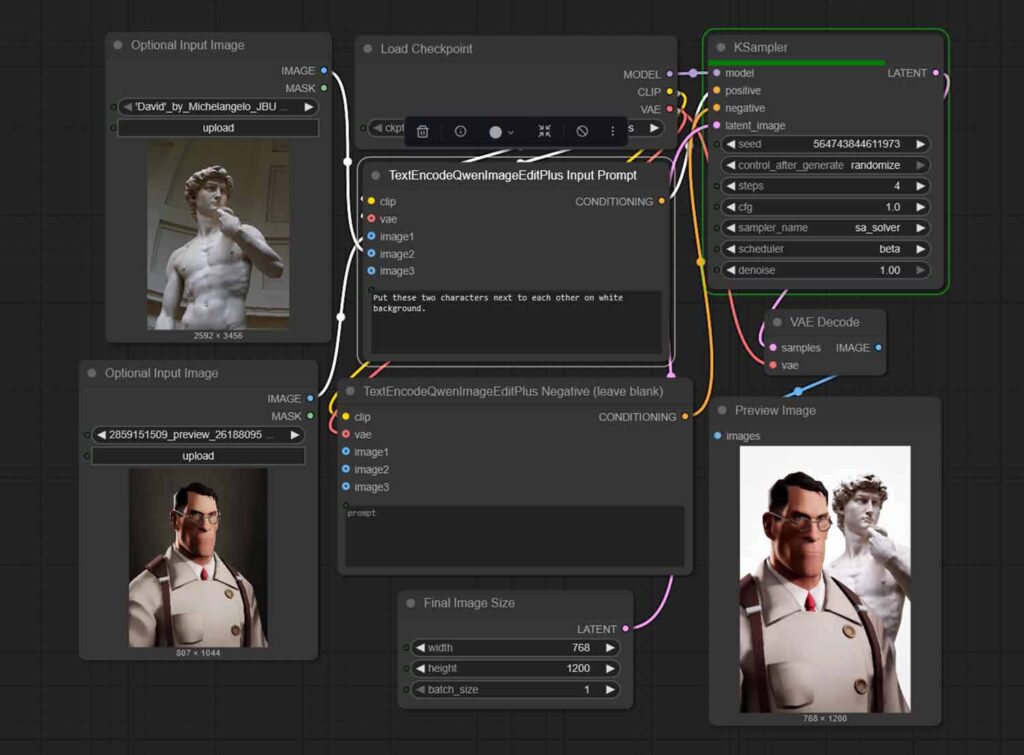
Another great option you have for both image and video generation if node-based Blender-like interfaces don’t discourage you is ComfyUI.
This is the one I use the most, and the best thing about it is that not only does it offer the highest level of customization out of all the free local AI image tools, but it also expands into video, audio, image editing and many other advanced workflow types through nodes and community extensions.
All of these tools let you generate images locally, privately and for free, at the same time freeing you from the censorship and limitations of larger image generation models such as ones well known from Grok Imagine.
It’s also worth mentioning that you can do all this with 8GB VRAM or less.
There are hundreds of different SDXL model fine-tunes that you can explore, each trained towards different kinds of imagery, and if you get into LoRAs that help you introduce brand new and previously unknown concepts to the models, the possibilities expand even further.
If you’d like to go beyond SDXL, there are many different types of diffusion models that excel at different kinds of image generation and editing tasks. These, however, do require a higher amount of VRAM for efficient operation.
These options include FLUX, which is well known for being great at creating realistic imagery, as well as the newest models from Qwen such as Qwen-Image-Edit that can help you precisely edit parts of your imported images or blend images together with the use of natural language prompts.
The rabbit hole grows large, and there is much to discover here. But it gets even better with local video generation, which is up next.
Video Generation
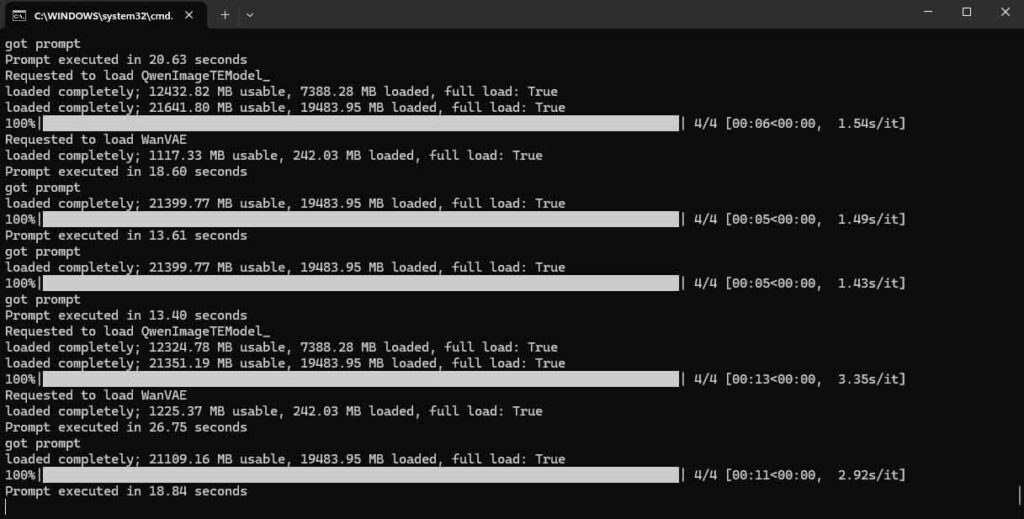
While local video generation is a very computationally expensive and VRAM-heavy process, and the models that handle local video are not really comparable to the best hosted frontier solutions, I still feel like these are worth mentioning here.
The reason is that even right now they already let you do quite a lot on your own hardware: generate short text-to-video clips, animate still images, do stylized image-to-video, and experiment with motion, camera movement and scene consistency on your source content without paying per generation or uploading your source material to a third-party service.
With software ecosystems such as ComfyUI, plus various dedicated community wrappers and workflows, you can generate short text-to-video clips, turn still images into motion, restyle footage, upscale results, interpolate frames, and combine multiple models into one local pipeline. It is still a very experimental part of local AI, but it is also one of the most exciting ones.
Other Local AI Applications
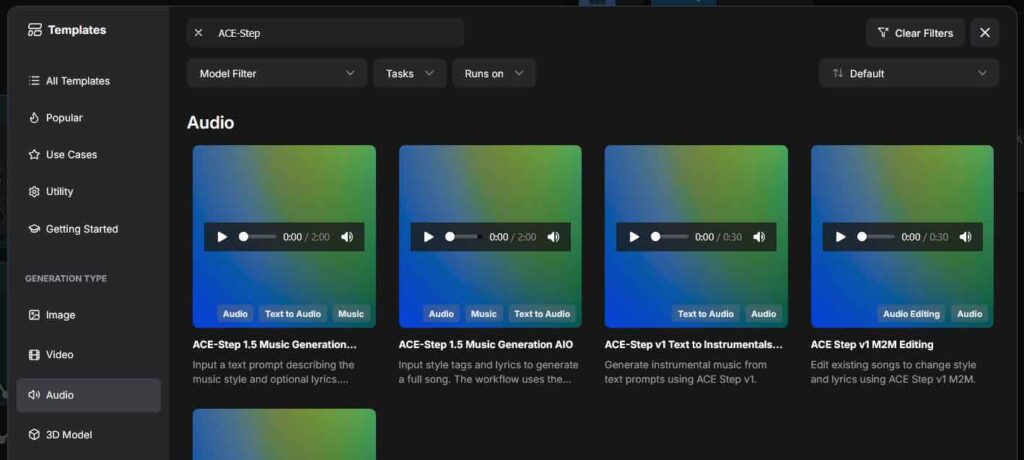
And local AI is not just about chatbots and image generators. There are many other practical things you can do with it right now, especially if you care about privacy, control, and not having to pay a subscription every month.
A great example is local audio work. You can separate songs into stems, transcribe speech to text, generate audio from prompts, and even do local voice cloning depending on the tools you use. That makes local AI surprisingly useful for video editors, musicians, podcasters, and anyone who works with a lot of voice or music content.
There are also many less flashy but still very practical workflows, such as OCR, subtitle generation, meeting transcription, semantic search across your own files, and various small automations where local models classify, summarize or clean up your data. This is the side of local AI that I think gets overlooked the most, because it is not as visually impressive as image or video generation, but it is often the side that can end up being the most useful for many of you in your day-to-day life.
Here Is What I Think
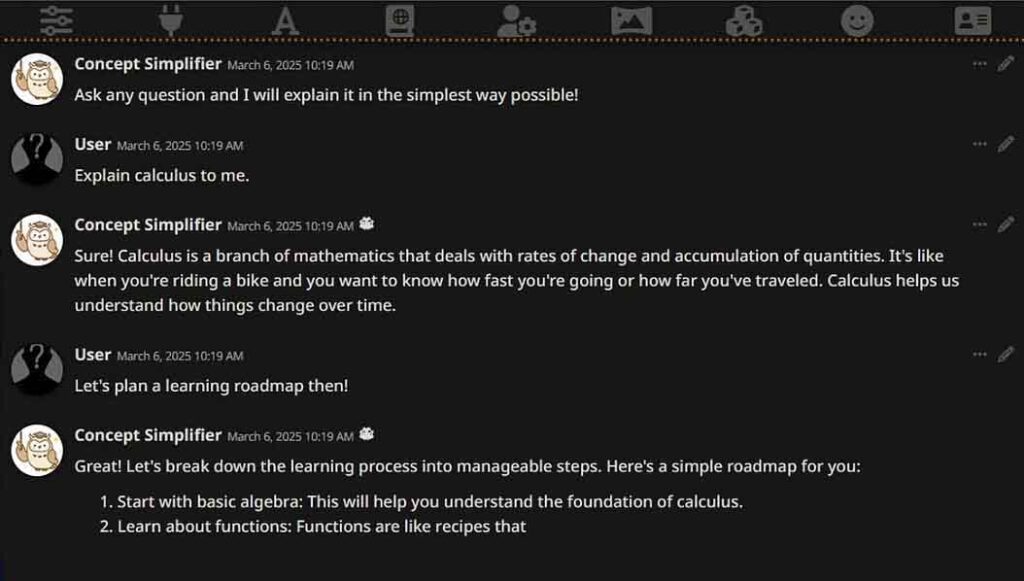
So, should you really bother with local AI? I would say yes, but still with realistic expectations.
If what you want is the absolute best model quality with the least amount of setup, then cloud AI services are still hard to beat. They are easier to access, usually faster to get started with, and in many cases still more capable. But that convenience comes at the cost of subscriptions, platform dependence, and giving up at least some degree of privacy or control.
Local AI, on the other hand, is focused on true ownership. You choose the software, you choose the model, you choose what stays on your machine, and you are not forced into one company’s pricing, rules or roadmap. Once your hardware is good enough, that becomes a very compelling deal, because you can keep using those tools as much as you want without worrying about credits, queues, monthly limits, and all that.
I certainly do not think local AI is something everyone needs. I also know full well that not all people are keen on tinkering with setting up tools that in many cases can be way less powerful than their cloud counterparts. Still, I do think it is absolutely worth exploring if you are a creator, hobbyist, developer, power user, or simply someone who likes the idea of useful AI tools running directly on your own hardware.
Even if local models do not replace the best hosted services for you, they can still become an extremely useful part of your setup. And with the slow but sure evolution of the solutions we’ve talked about here, who knows where the capabilities of local open-source AI models will be a few years into the future.
That is why, in my view, starting your journey with local AI is still very much worth bothering with. Not because it always beats cloud AI, but because, as poetic as it may sound, it gives you something cloud AI never fully can: freedom.